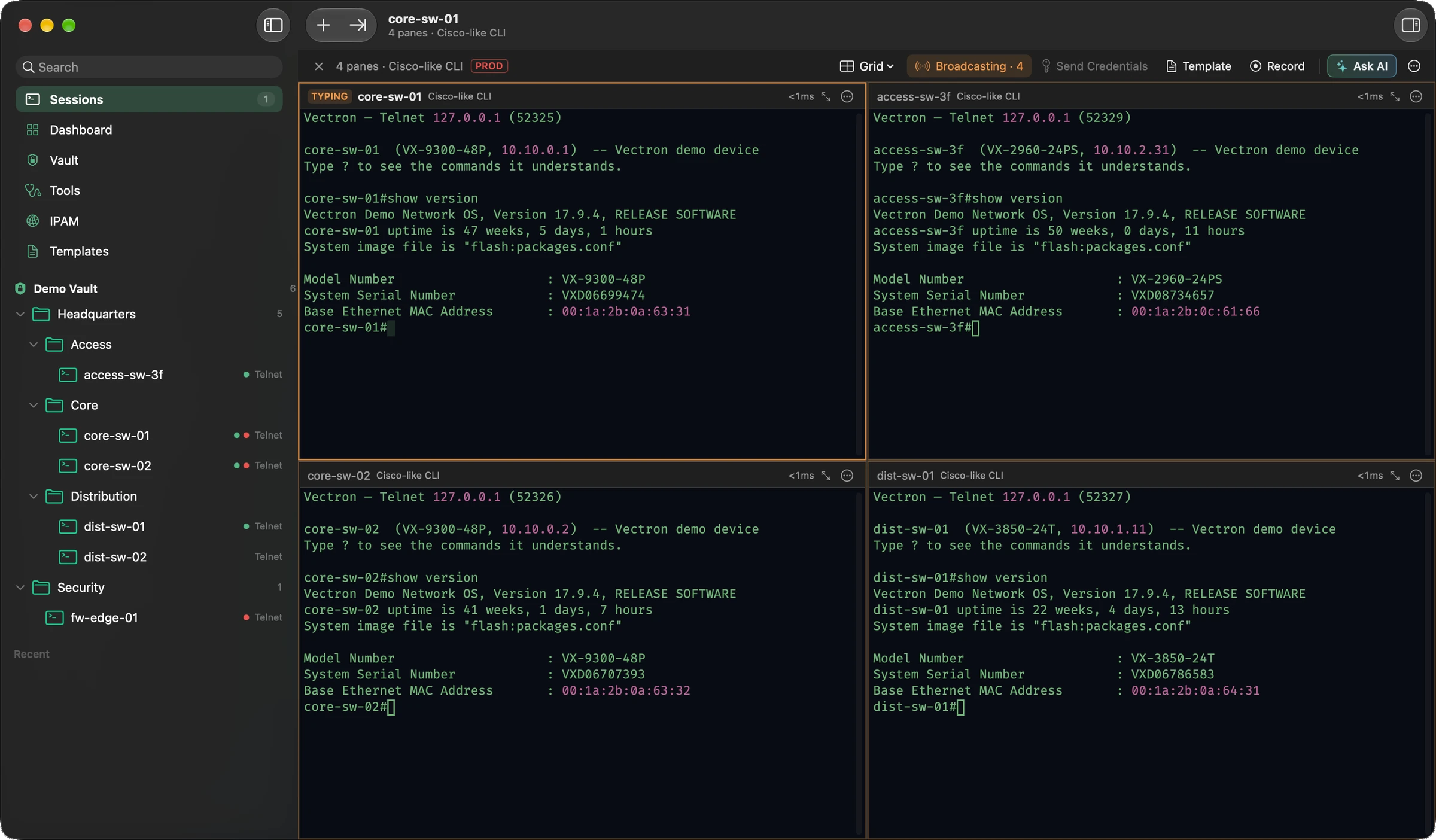
Which devices does Vectron run on?
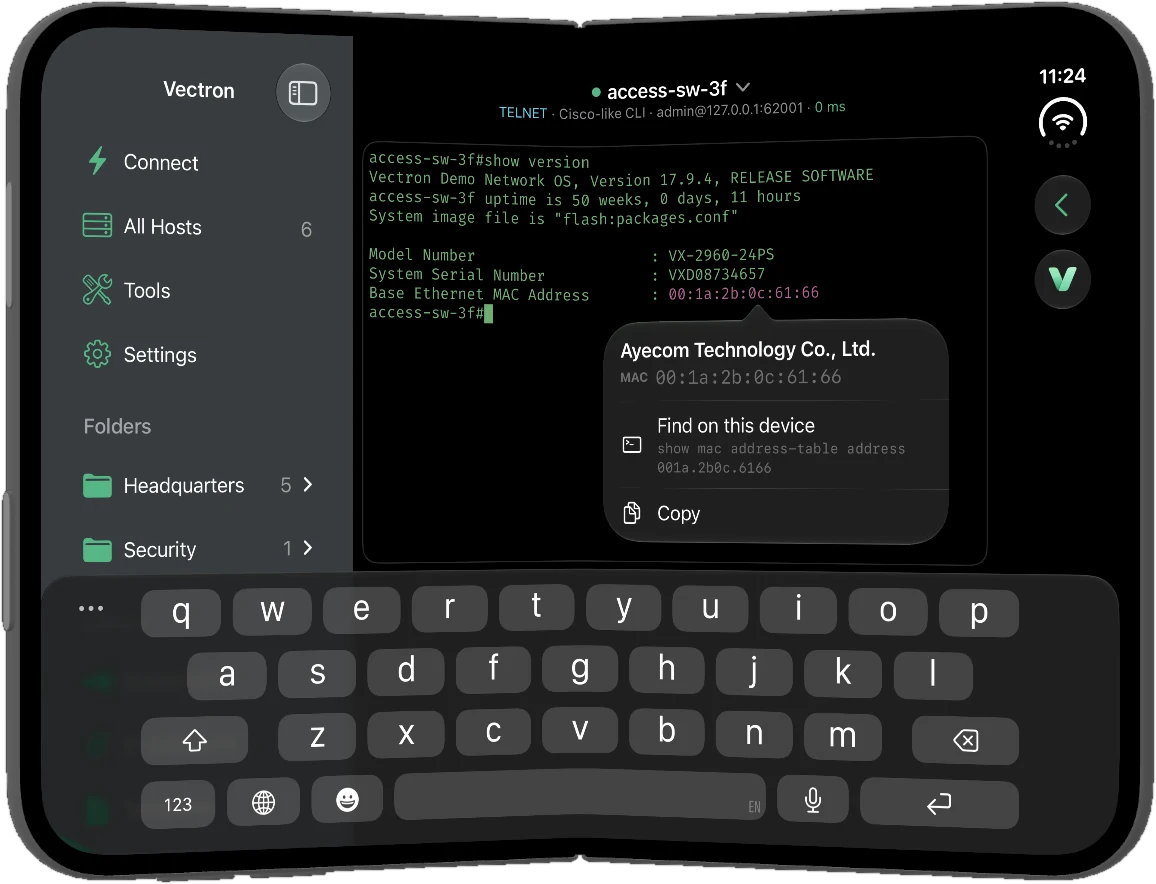
Mac: any Mac with Apple silicon or Intel running macOS 13 Ventura or later. iPhone and iPad: iOS 18 or later. All three are coming to the App Store in October 2026.
Is there a version for iPhone and iPad?
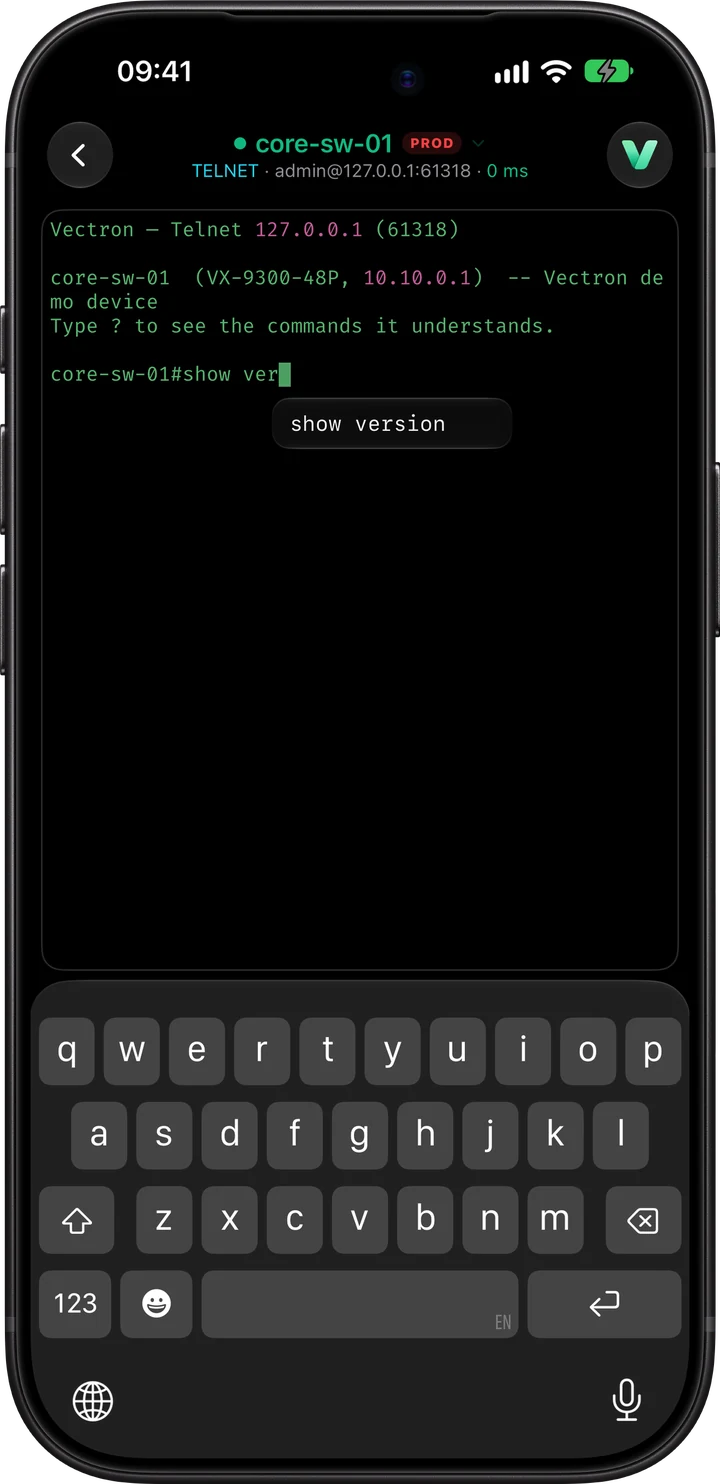
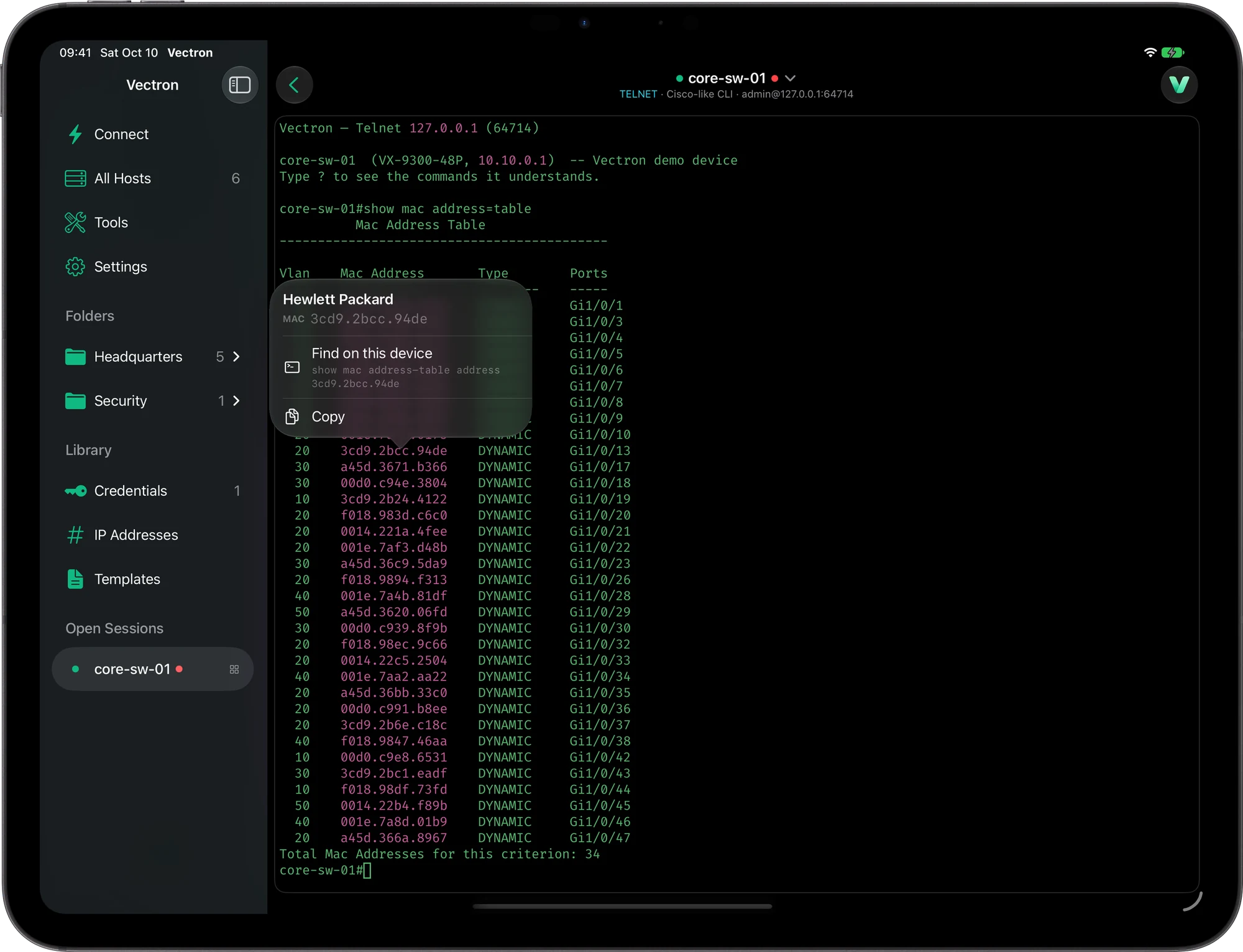
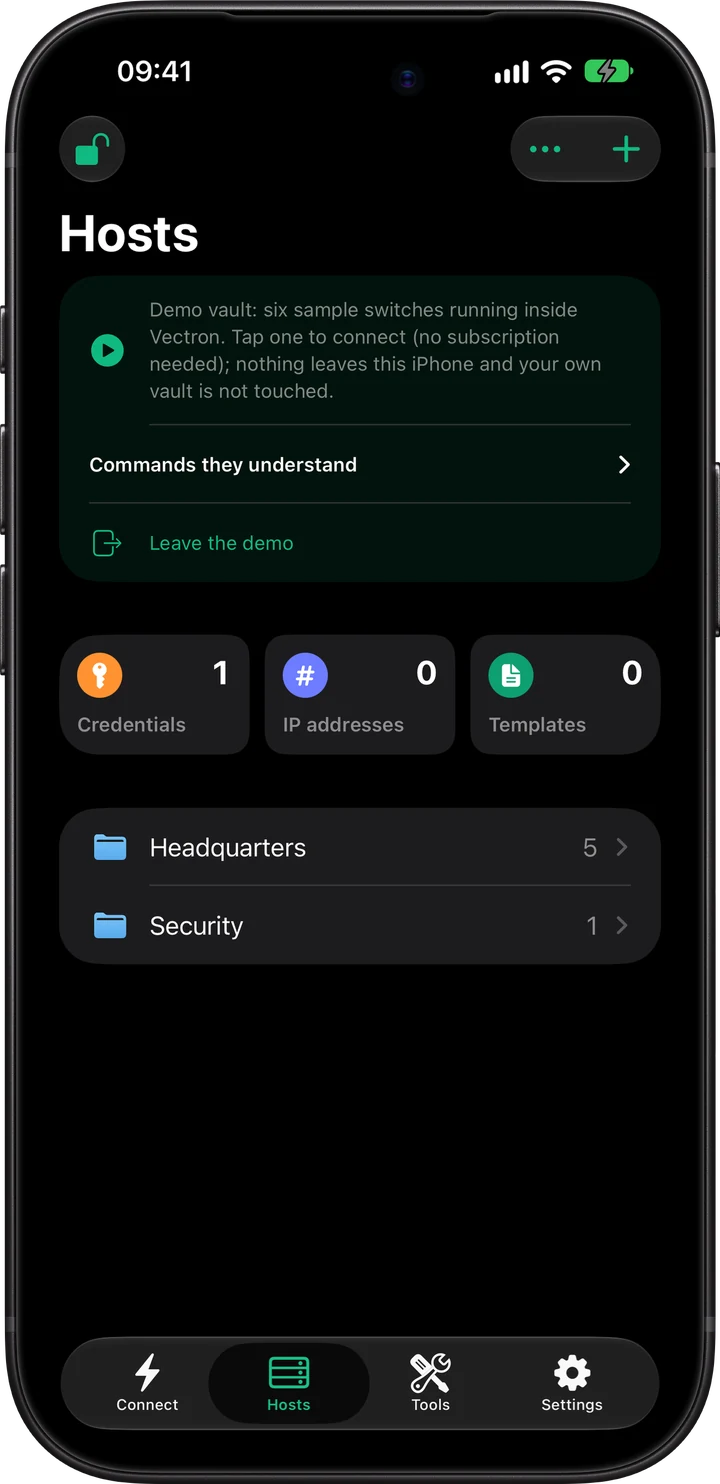
Yes, coming in October 2026, and one subscription covers Mac, iPhone and iPad. It connects over SSH, Telnet, RDP, VNC and SFTP, opens the same vault with Face ID and comes with 13 free network tools. On iPad you work in one session on screen at a time, with the others a tap away in the sidebar. See Vectron for iPhone and iPad.
Do I need an account?
No. Purchases and the free trial are handled by the App Store with your Apple Account.
What data do you collect?
None. Vectron’s privacy label on the App Store is “Data Not Collected”: no account, no analytics, no tracking, and no server of ours that sees your devices or data. See the Privacy Policy.
Is the AI assistant included?
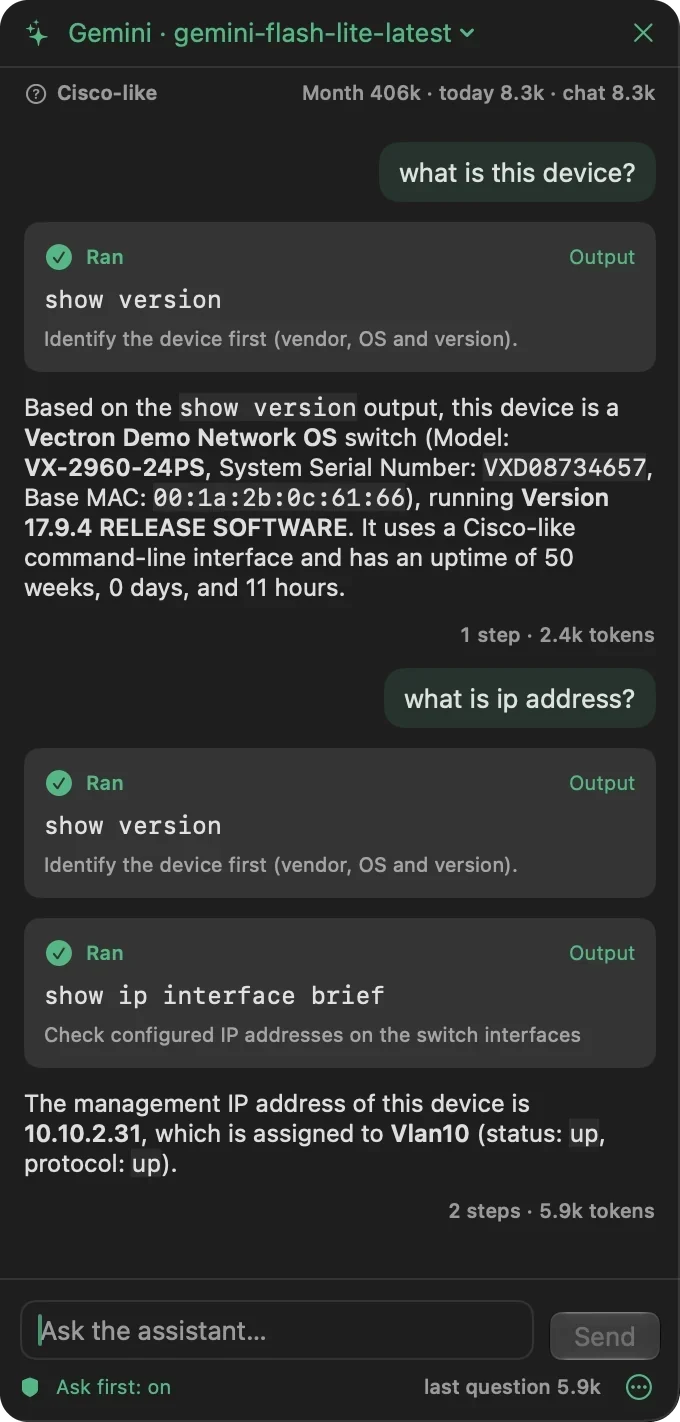
The assistant is part of Vectron at no extra cost, but it runs on your own AI account (Anthropic, OpenAI, Google Gemini, Groq, Mistral, Z.ai, OpenRouter or any OpenAI-compatible service) or a local model (Ollama, LM Studio), and that provider counts the tokens and bills you. Groq, the free tier of Google Gemini and a local model cost nothing.
Can the AI change my devices without asking?
No. On its own it may only run read-only viewing commands. Commands that change configuration always wait for your approval.
Where is my vault stored?
In one encrypted file. With iCloud Drive on, it is kept in Vectron’s own iCloud folder, so the same vault opens on your Mac, iPhone and iPad; with iCloud Drive off, it stays on the device. It is encrypted on your device before it is saved, so Apple stores it but cannot read it. iCloud keeps your devices in step; it is not a backup, so Vectron also keeps the last 10 copies. Touch ID (Mac) or Face ID (iPhone and iPad) unlocks it. There is no password recovery. More on the Security page.
What happens after the trial?
When the trial ends, your Apple Account is charged $24.99 for one year (US price; local prices vary), and then once a year, unless you cancel at least 24 hours before the renewal. You can cancel at any time in your App Store account settings. If you cancel, connections pause when the trial ends. The network tools stay free, and your vault file stays where it is: on your device or in your iCloud Drive.
Can I bring my sessions from another app?
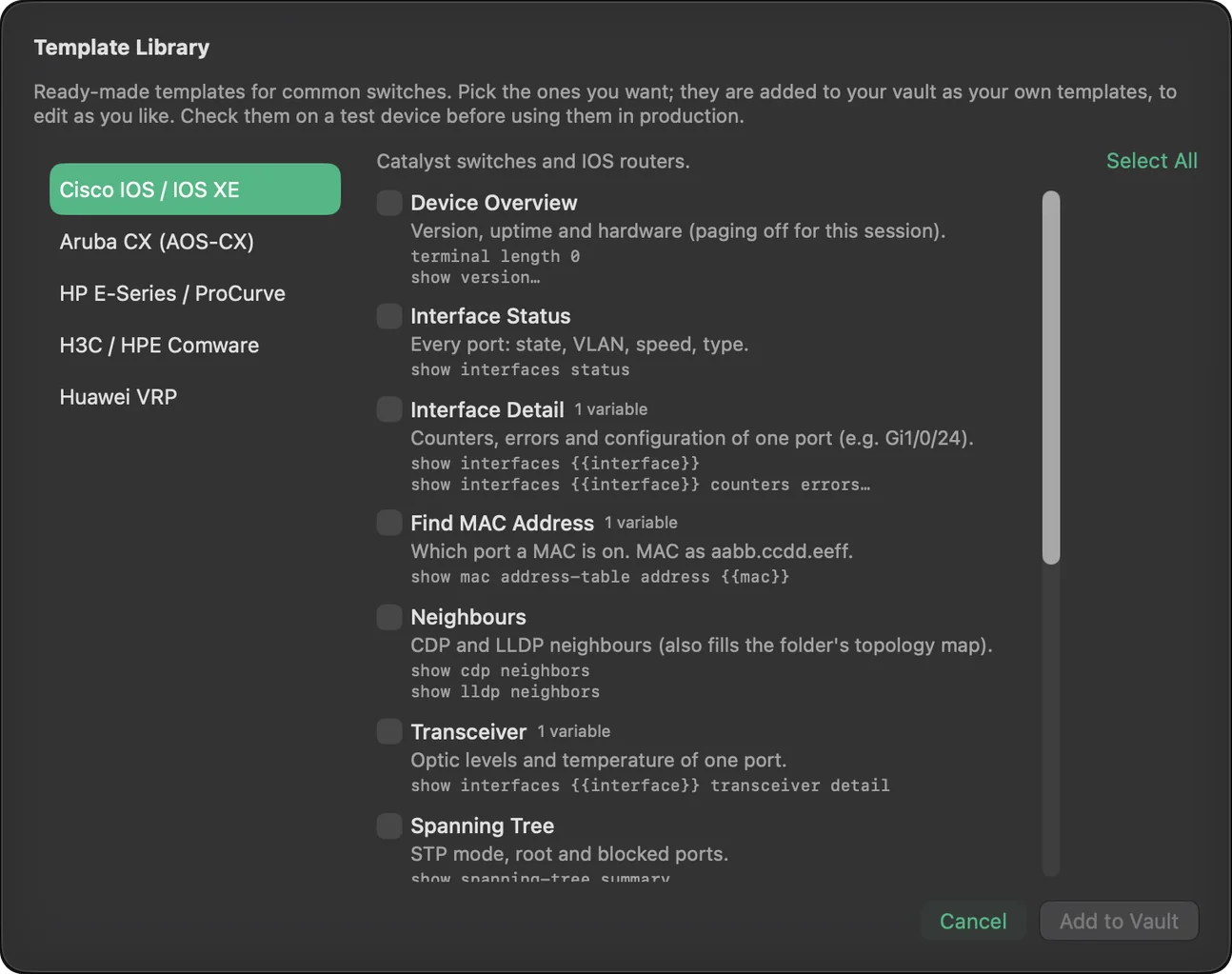
Yes. Vectron for Mac imports connections and folders from a CSV file, your SSH config, SecureCRT, Royal TS / TSX, mRemoteNG and MobaXterm. Saved passwords from other apps are not imported. See Moving from another app.
Does it support SSH keys?
Yes. Ed25519, ECDSA and RSA keys, on the Mac and on iPhone and iPad. Keys are kept in your encrypted vault.
Does Vectron work without internet?
Yes. Connections to devices on your network, the vault and the tools need no internet. The App Store checks your subscription when you are online.
Is anything free without a subscription?
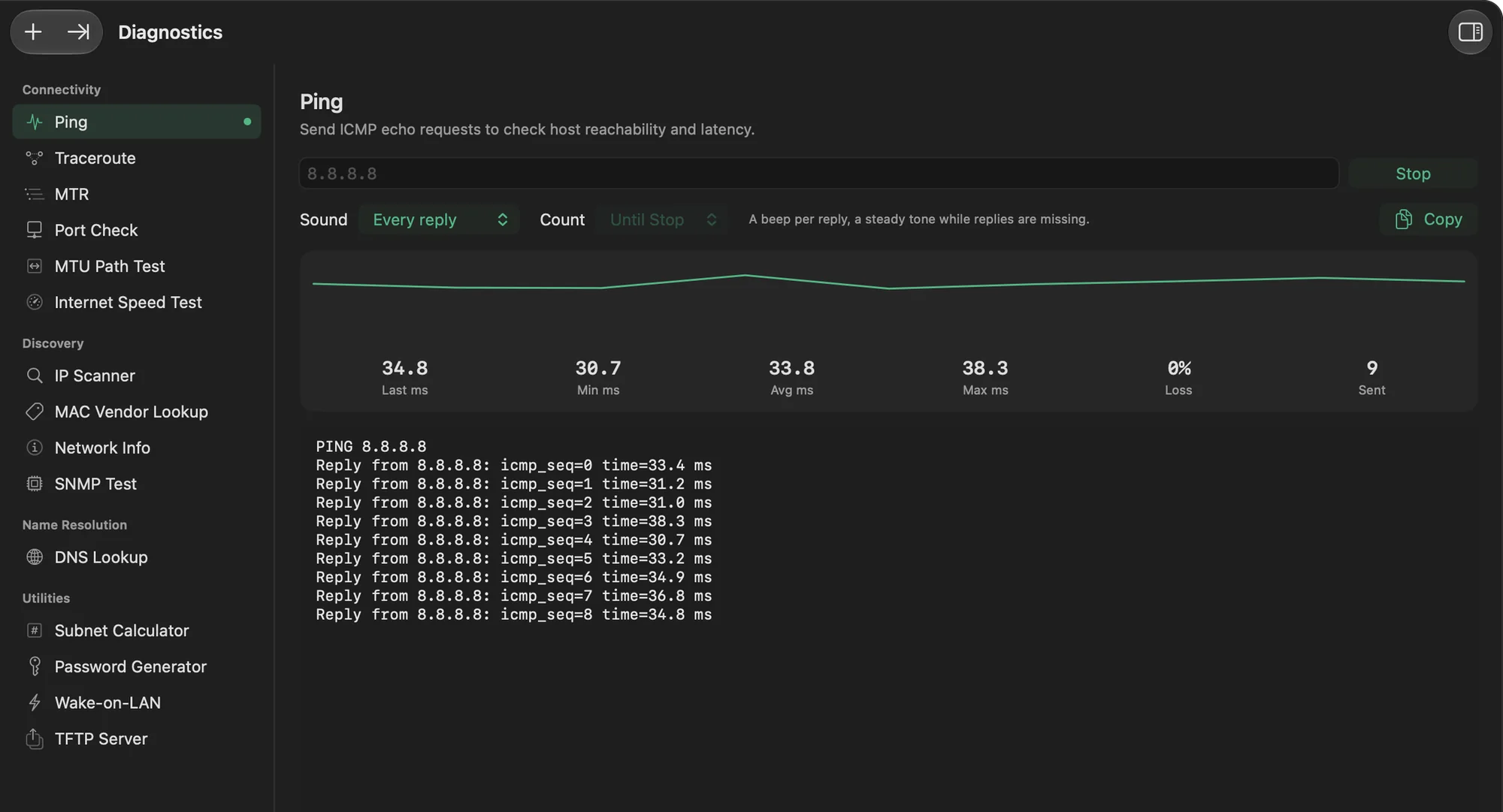
Yes, the network tools. On the Mac there are 15, including the IP scanner, TFTP server, ping with sound alerts, traceroute, MTR, port check, SNMP test, DNS lookup, subnet calculator and Wake-on-LAN. On iPhone and iPad, 13 network tools are free. Everything else, including connections, the vault, templates and IPAM, is part of the subscription.
Is Vectron only for network engineers?
No. It works just as well with Linux and Unix servers over SSH and SFTP, Windows servers over RDP and Mac or Linux desktops over VNC, side by side with your switches and routers.